Task Action Menu
For each worklist task under Action > Operation Worklist, a number of actions can be performed using the Actions menu.
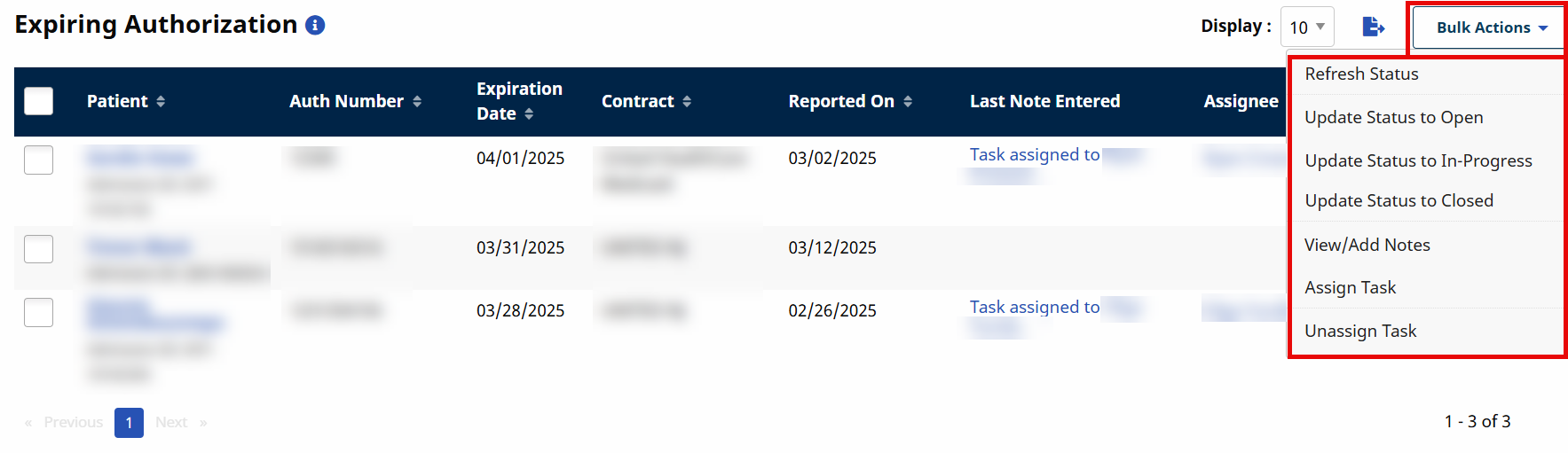
Click the Bulk Actions button to apply the above actions to multiple tasks at a time.
|
Action |
Description |
|---|---|
|
Refresh Status |
Select to check if the task status has changed since initiating a search. |
|
Update Status to Open |
Select to change the task status to Open. |
|
Update Status to In-Progress |
Select to change the task status to In Progress. |
|
Update Status to Closed |
Select to change the task status to Closed. This action is permission-based (refer to the User Management page). |
|
View/Add Notes |
Select to open the View/Add Notes window to enter a new note or view all notes associated with the task. |
|
Assign Task |
Select to assign the task to self or other users. The option to assign tasks to other users is permission controlled (refer to User Setup). |
| Unassign Task |
Select to unassign the task to self or other users. |