Assign Caregivers to Mobile App Permission
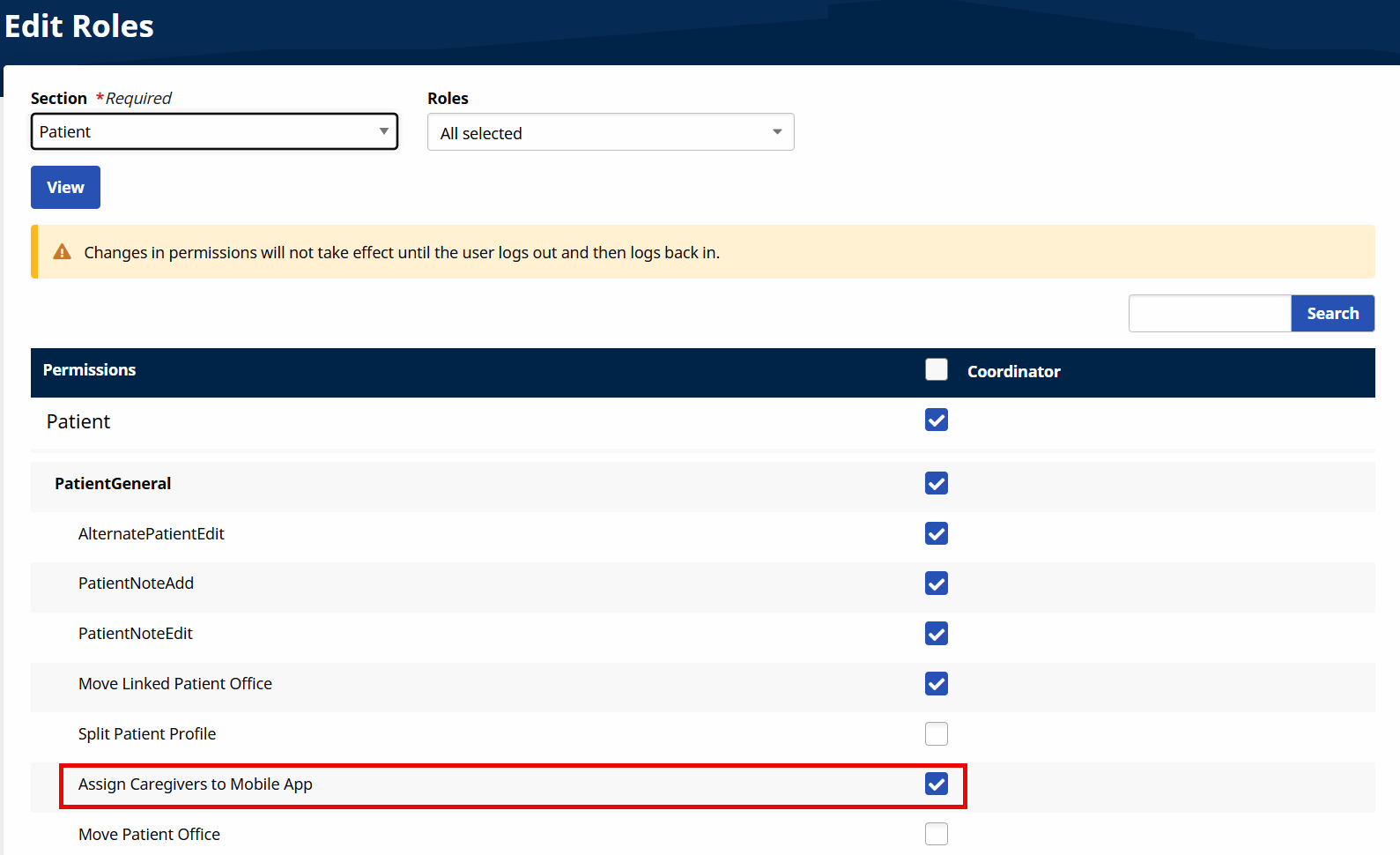
The Assign Caregivers to Mobile App permission is enabled by default for all Providers for all roles. This permission allows assignment of specific Caregivers to access Patient information via the Mobile App.
This permission is role-based and managed at the Edit Roles page under Admin > User Management > Edit Roles > User Management.
To disable permissions for a role, go to the Edit Roles page and select Patient from the Section dropdown, and the role(s) from the Roles field. Deselect the applicable checkboxes for the corresponding role(s).
Other Resources