Patient Profile
A new, Active, Patient Profile is generated for each accepted or confirmed Placement. The Patient Profile is used to manage Patient information and scheduling. When a placement is accepted or confirmed, a new and Active Patient Profile is generated to manage Patient information and scheduling.
When a placement is created in HHAeXchange and the member is connected to the appropriate payer, the member's Medicaid ID is shared with the payer in the Admission ID field. In the provider's view, this value is stored as the Alt Patient Id.
Users can review and edit information on the Patient Profile depending on the authorizing Payer.
The Patient Profile contains a left navigation panel where all the profile pages can be found. In this topic, we will give a high-level overview of what can be found on each page.

Some features may not be available in your portal. Features depend on role, permissions, and portal type.

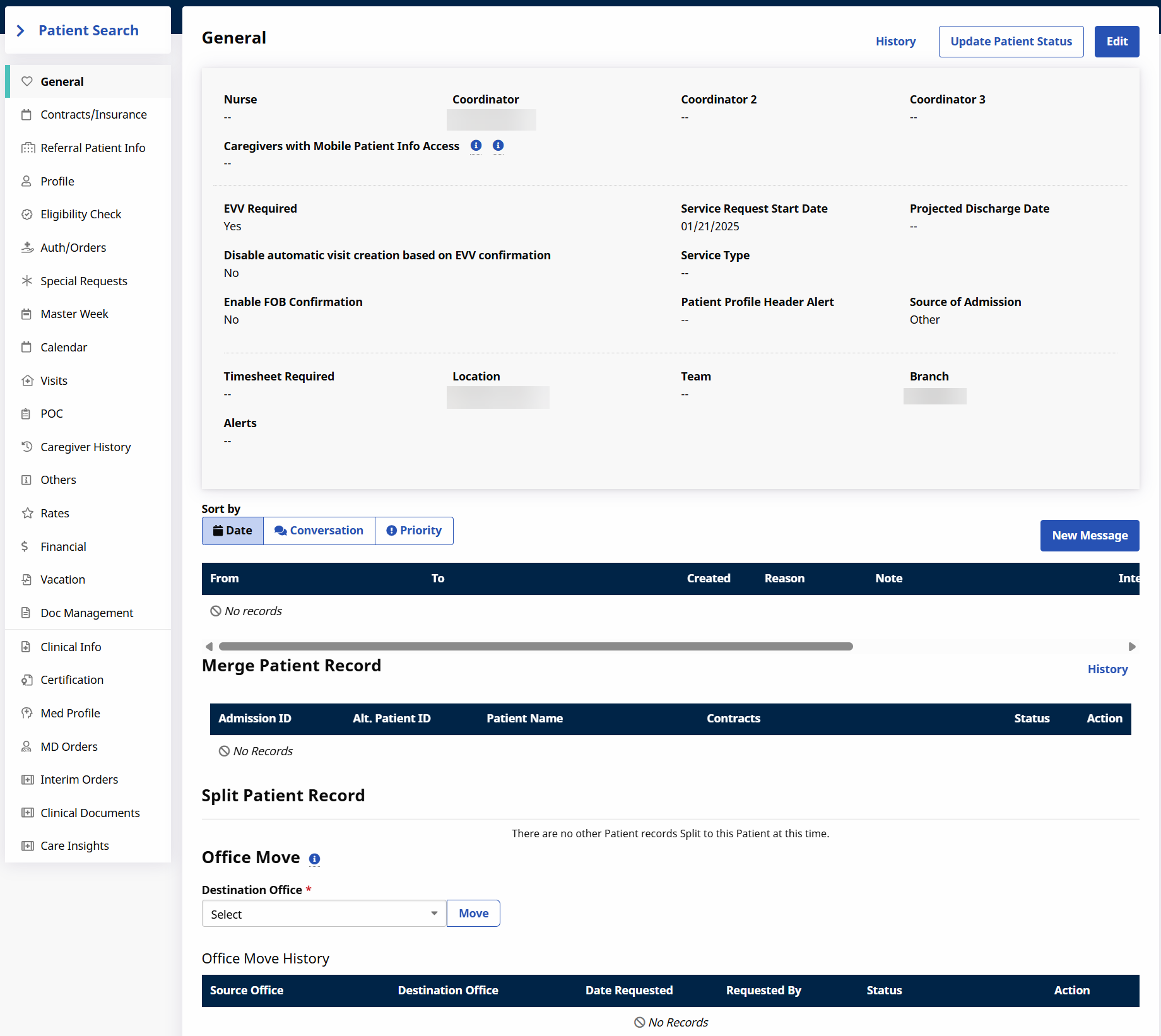
The General page contains basic information concerning the Patient’s homecare service requirements. This page also shows a history of the Patient's authorizations, and a history of Patient record merges and/or splits. In addition, this page lets you move the Patient to a different office.
For more information, see the following topics:
Move Patient to a Different Office
The Contracts page contains contract information such as current Contract Placements, Linked Contract Eligibility, and Contract Status History.
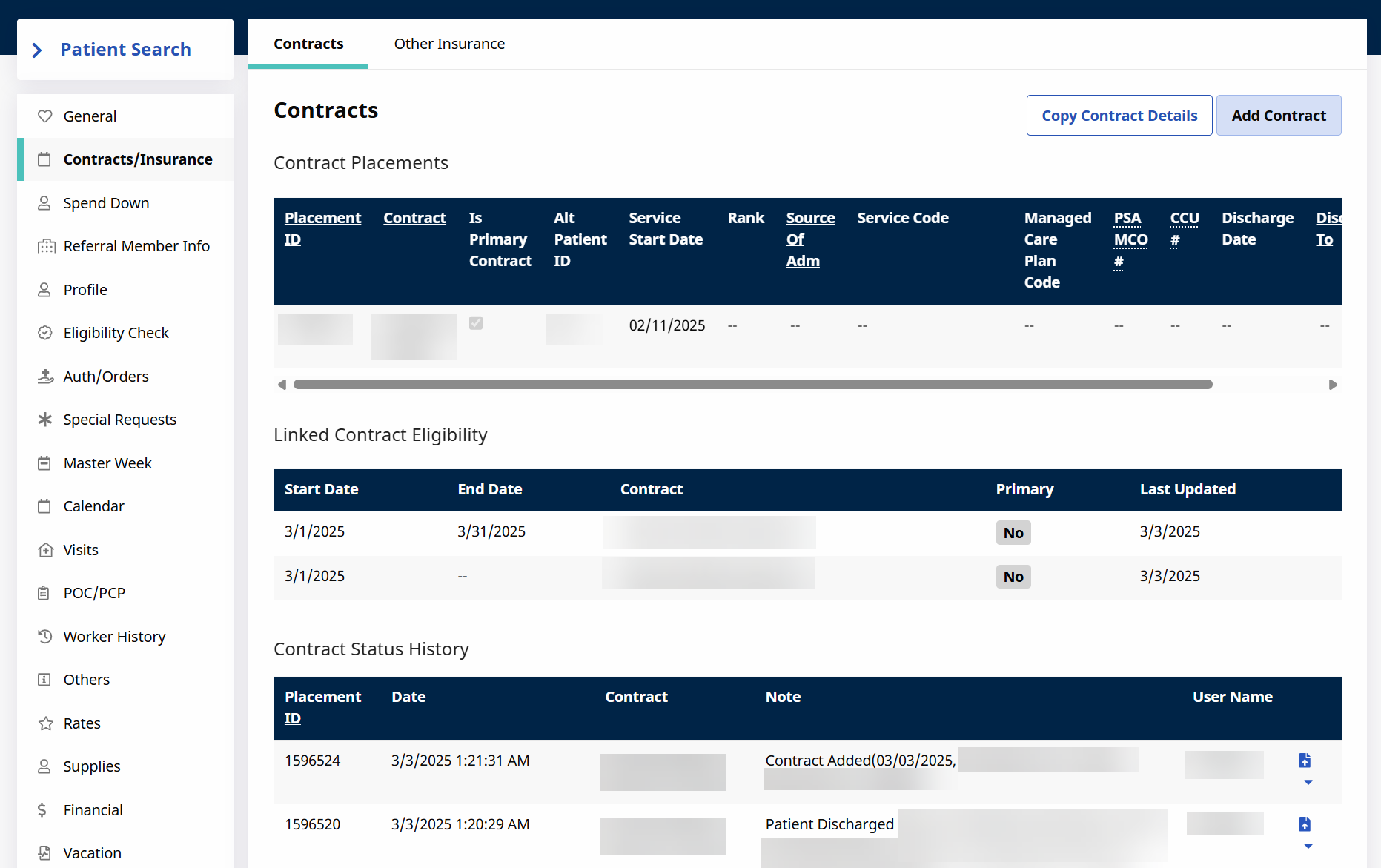
The Linked Contract Eligibility table allows you to view the date ranges for each insurance plan, so that you can see when a patient's coverage is active This table is displayed at the discretion of the Payer and may not appear in your Portal.
If the Patient is a Referral, the Referral Patient Info page will contain information relevant to the Referral, such as contact information and status.
For more information, see Referrals.
The Profile page contains the Patient’s Demographics, Address, Phone Numbers, Emergency Contact Information, Emergency Preparedness, and Physician and Diagnosis information. To edit information on this page, click the Edit button at the top right of the page. You can also view a history of changes to any section by clicking the History link at the top right of the section.
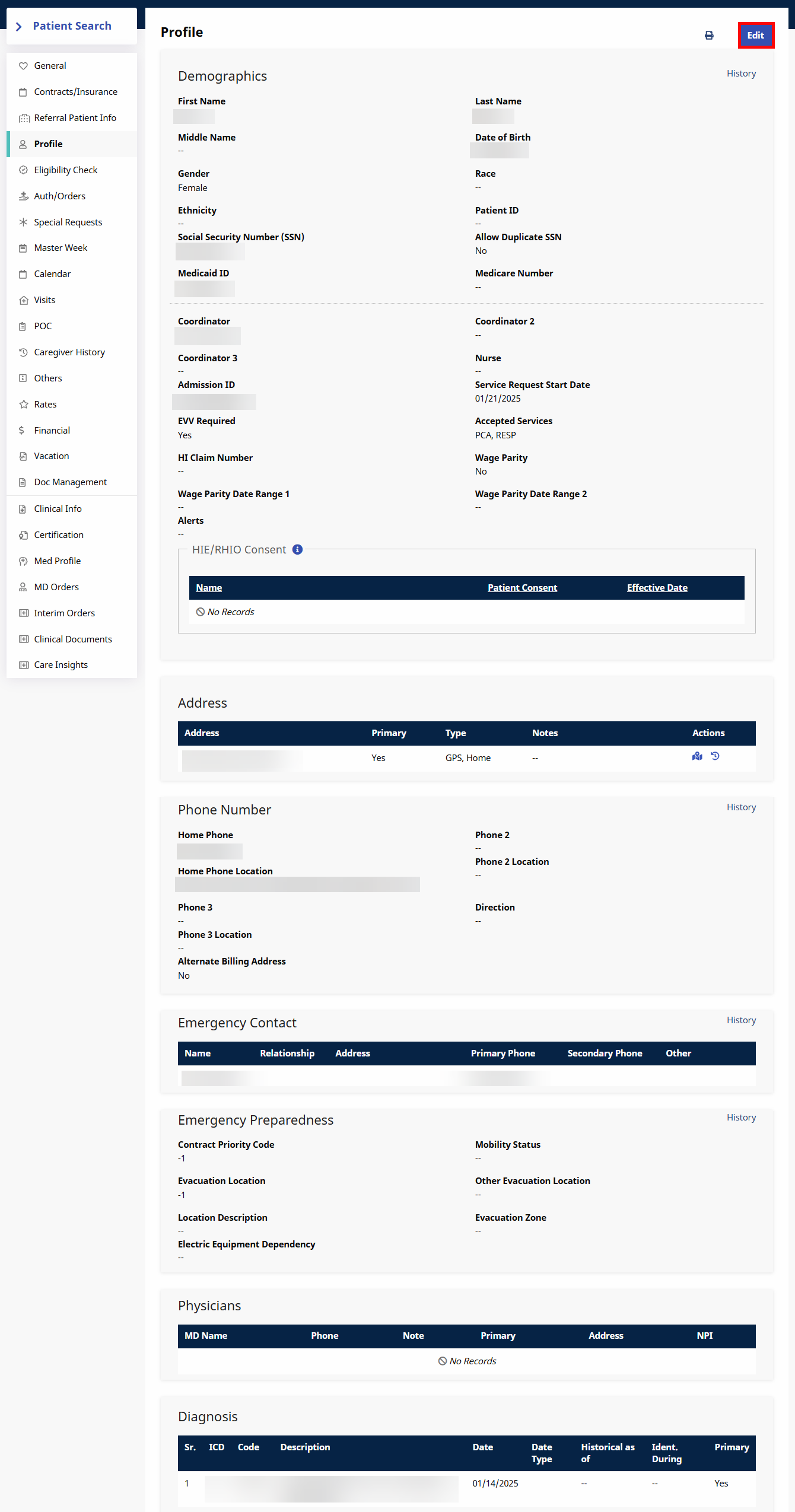
Most fields on this page are editable, and you can add multiple Patient addresses, phone numbers and emergency contacts. Click the Save button to ensure any updates are registered by the system. Updates made here are NOT synced back to the Payer.
Patients placed with multiple Providers have their own profile per Provider; Patient information (including addresses) is not shared between Providers.
HHAeXchange recommends that the primary (billing) address coming from the Medicaid Eligibility Check is not changed to prevent billing or claims issues. Providers can add and track multiple alternative addresses for Electronic Visit Verification (EVV) and operational purposes.
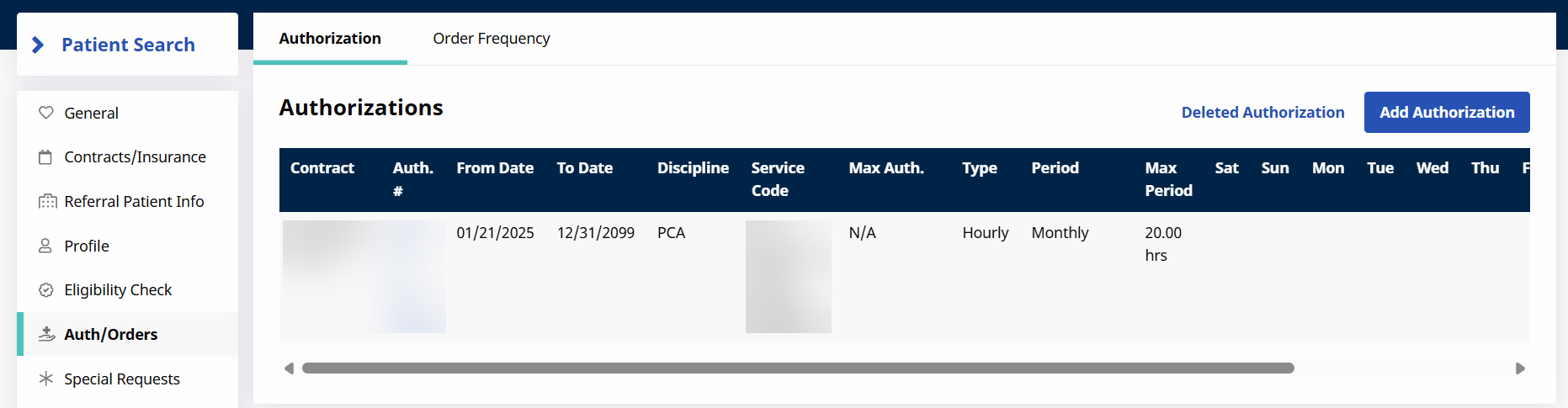
The Auth/Orders page maintains a record of all active and inactive authorizations for the Patient.
Refer to the Authorizations topic to learn more about authorizations.
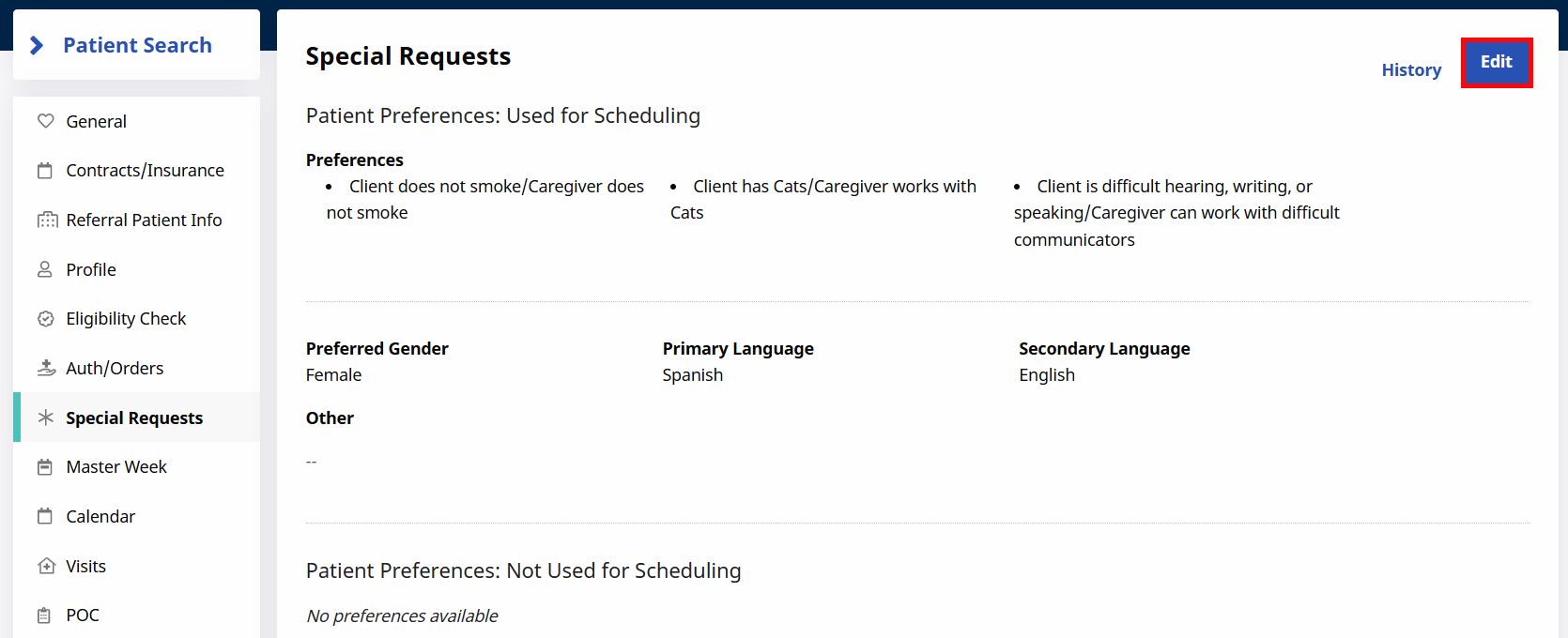
The Special Requests page is optional and indicates the Patient's scheduling preferences such as PreferredGender (of the service provider), Patient’s Primary Language, and custom values setup by the Payer. Providers can review these preferences when scheduling a service provider.
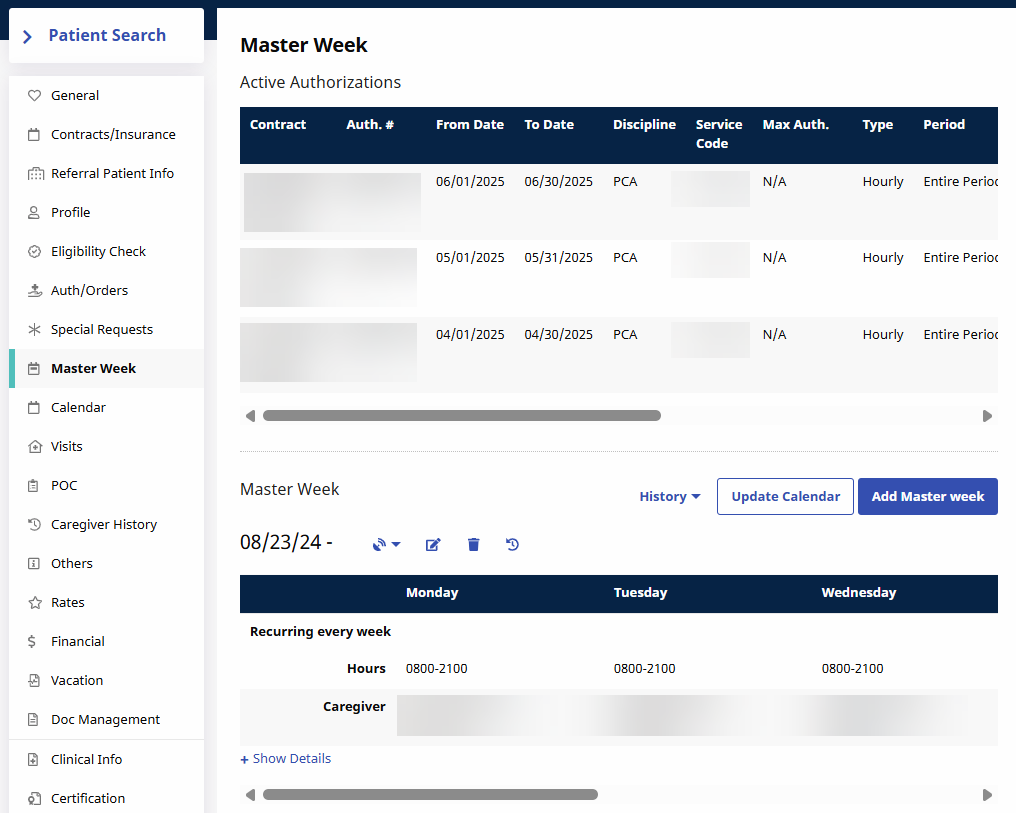
The Master Week page allows you to create and view a reoccurring weekly schedule for the Patient. This page also displays the Patient's active authorizations.
For more information on this topic, see Master Week.
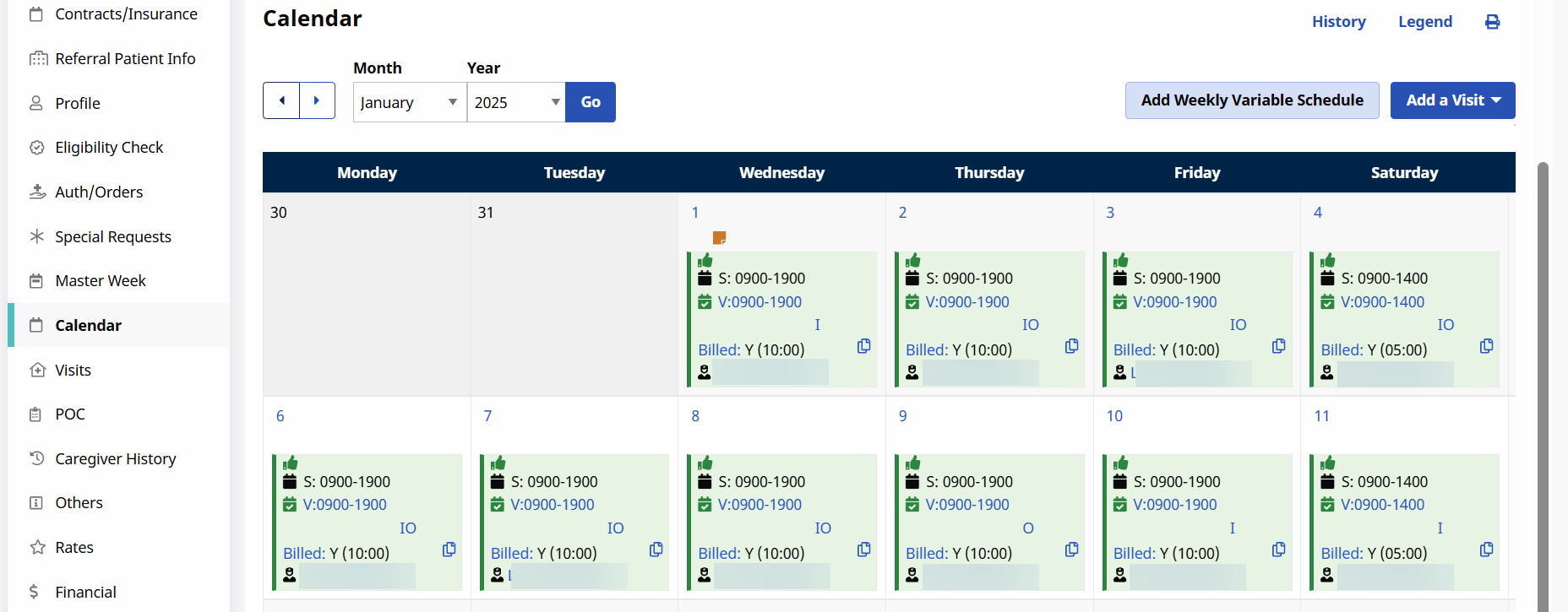
A Patient’s schedule is managed in the Calendar page. This page also displays the Patient’s last three authorizations.
For more information on the Calendar page and different schedule types, see Schedule Types and Create Patient Visits.
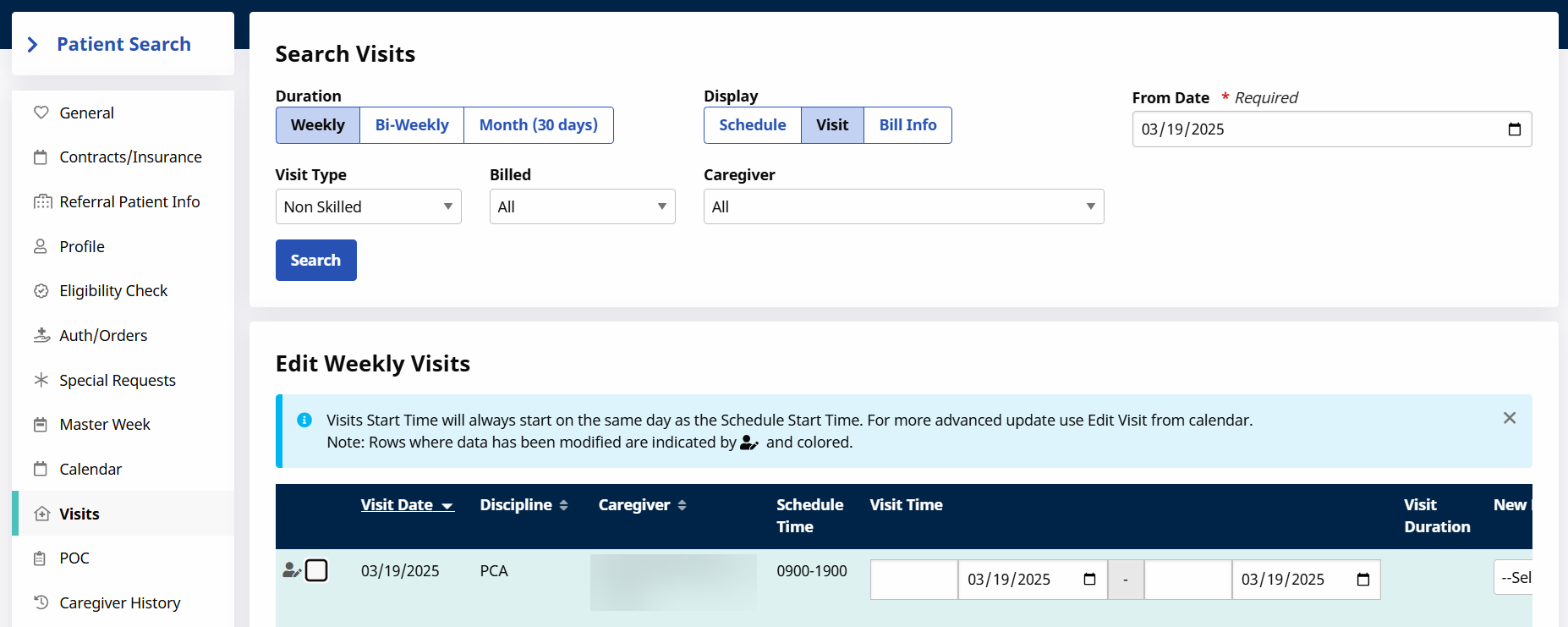
The Visits page is used to review a Patient’s scheduled and confirmed visits. Providers can search for Visits based on a specified date range, or by billing status. Visits can also be edited or deleted from this page.
For more information on the Visits page, refer to the Scheduling Visits section.
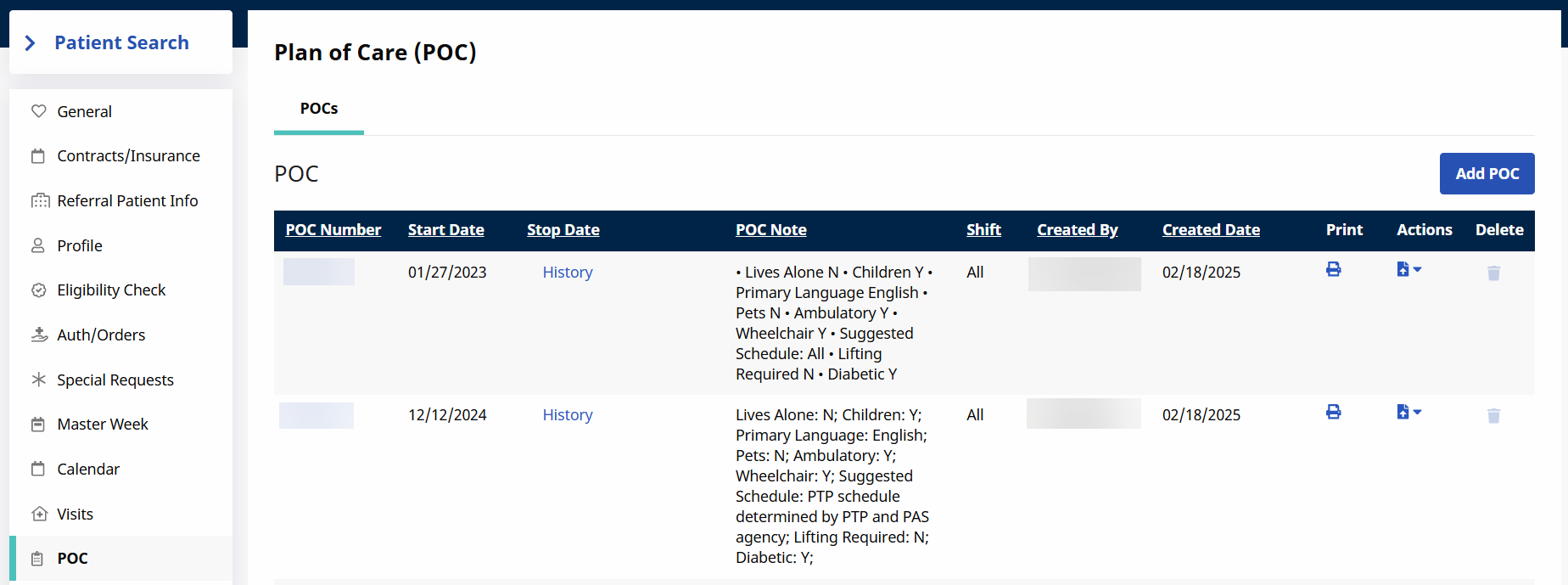
A Patient’s Plan of Care (POC) is created and managed on the POC page. POCs are optional unless otherwise indicated by the Payer. Multiple POCs can be entered, if needed.
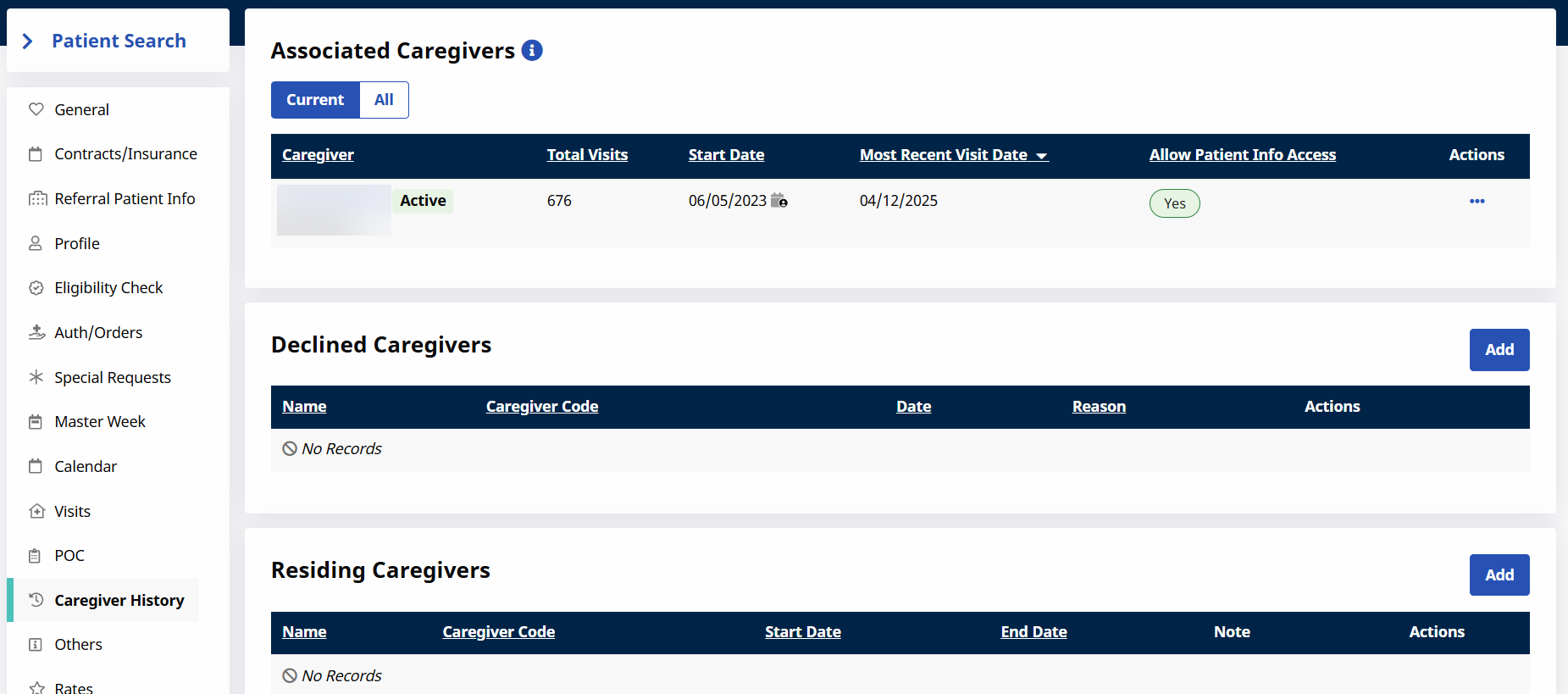
The Caregiver History tab lists all Caregivers associated with the Patient, both current and former. This page also allows you to add any Caregivers who have declined to work with the Patient, as well as Residing Caregivers.
The Others page houses any custom fields requested by your Agency. For more information concerning the Others page and custom fields, contact the HHAeXchange Support Team.
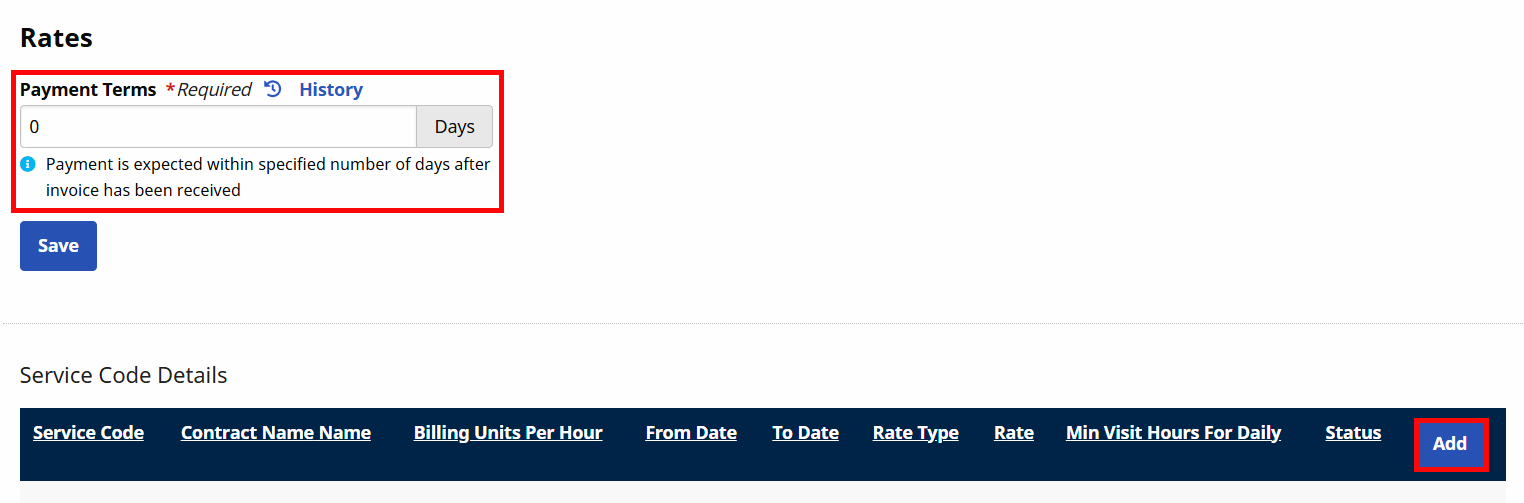
The Rates page allows you to set Payment Terms and Service Codes on the Patient level for UPR Linked Contracts.
This availability of this feature is dependent on your Payer.
The Patient Financials page allows you to view all financial information related to the Patient, such as Invoices, Payments, and more.
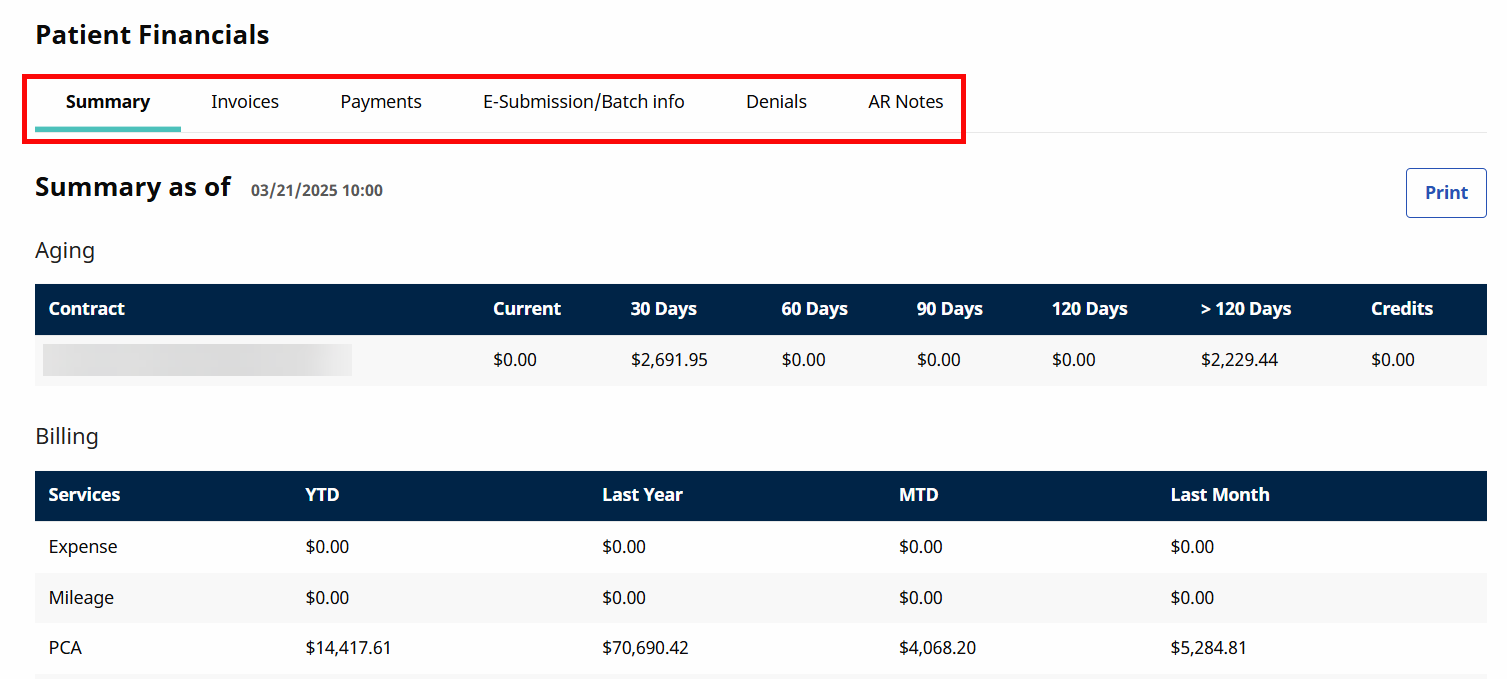
For more information, see Financial Pages for Linked Contract Patients.
The Vacation page lets you add dates where a Patient is on vacation so that Visits aren't scheduled.

To add a Vacation period, click the Add button and fill in the required information.
The Patient Documents page allows you to upload and view documents related to the Patient.
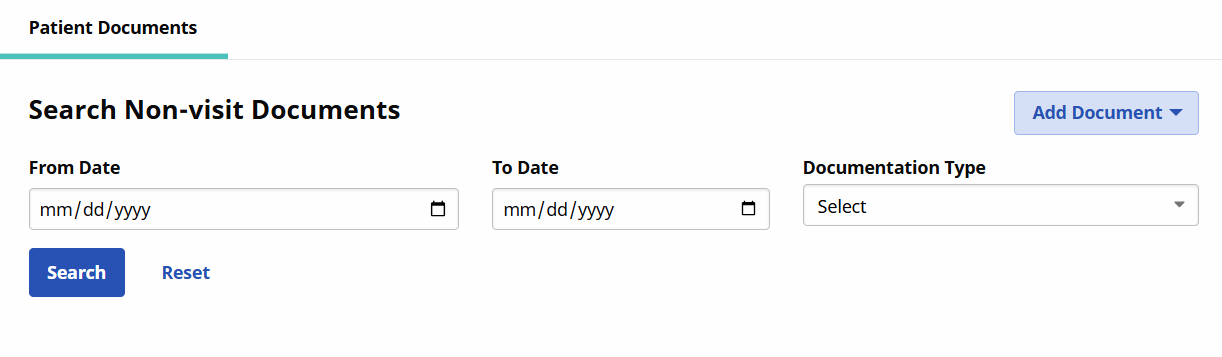
For more information, see Patient Document Management.
The Clinical Info page is used to track Patient medical information.
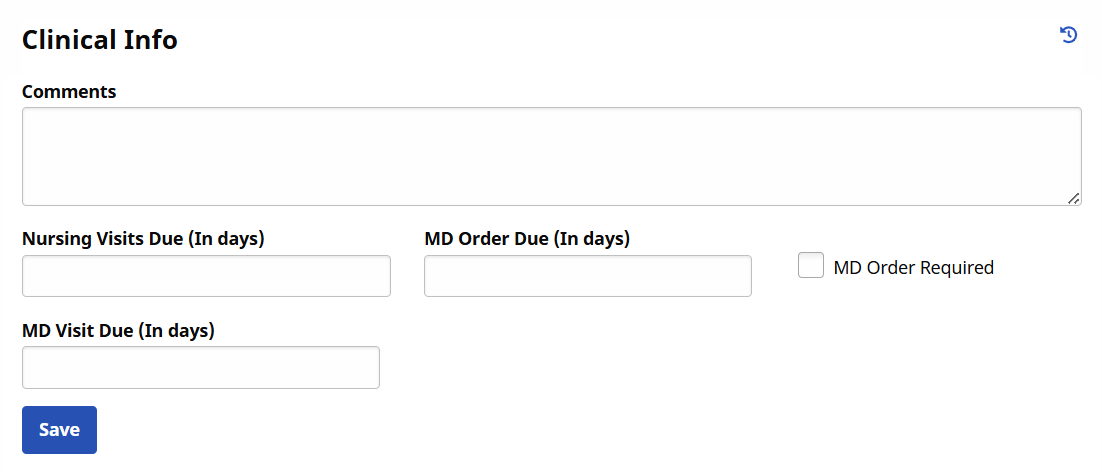
For more information, see Clinical Info Page.
The Certification page allows you to upload and view Physicians' certifications for the Patient to receive homecare services.

For more information, see Certifications Page.
The Med Profile page is used to track and view a Patient's medications, both current and past.
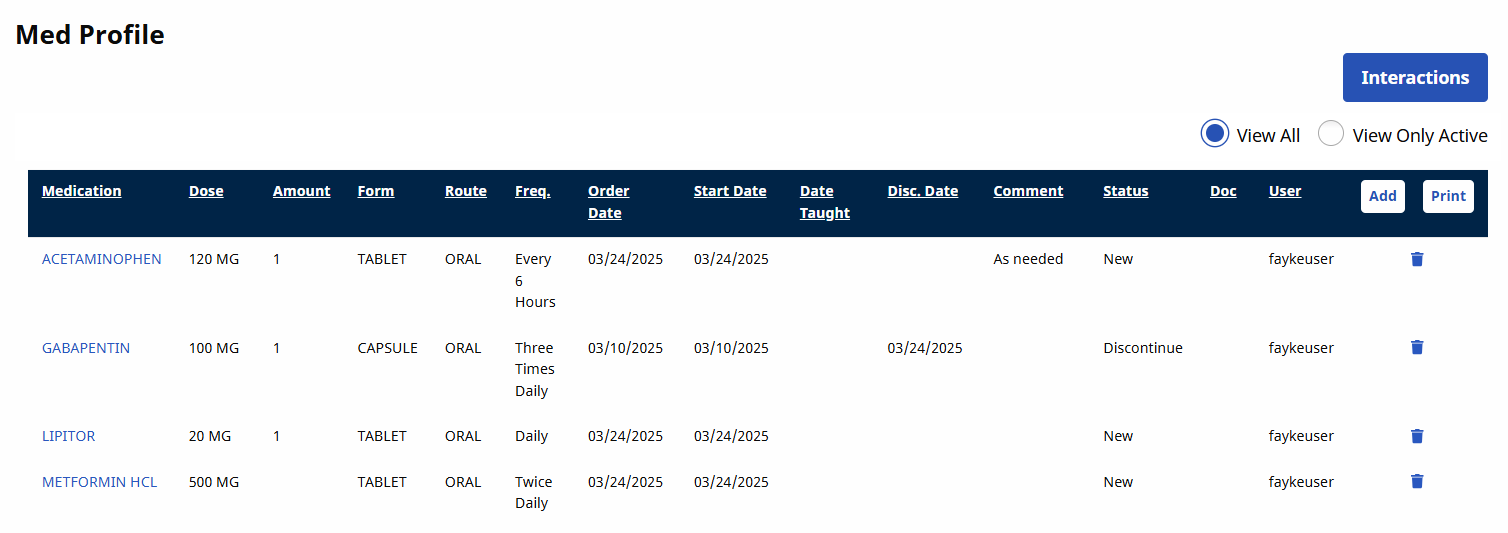
For more information, see Med Profile.
The MD Orders page allows for comprehensive logging of the Patient's clinical information, such as diagnosis, prognosis, homecare regimens, and more.

For more information, see MD Orders Page.
The Interim Orders page is used to make adjustments to existing MD Orders.
For more information, see Interim Orders.
The Clinical Documents page allows you to view any Clinical Documents that have been uploaded or created for the Patient.
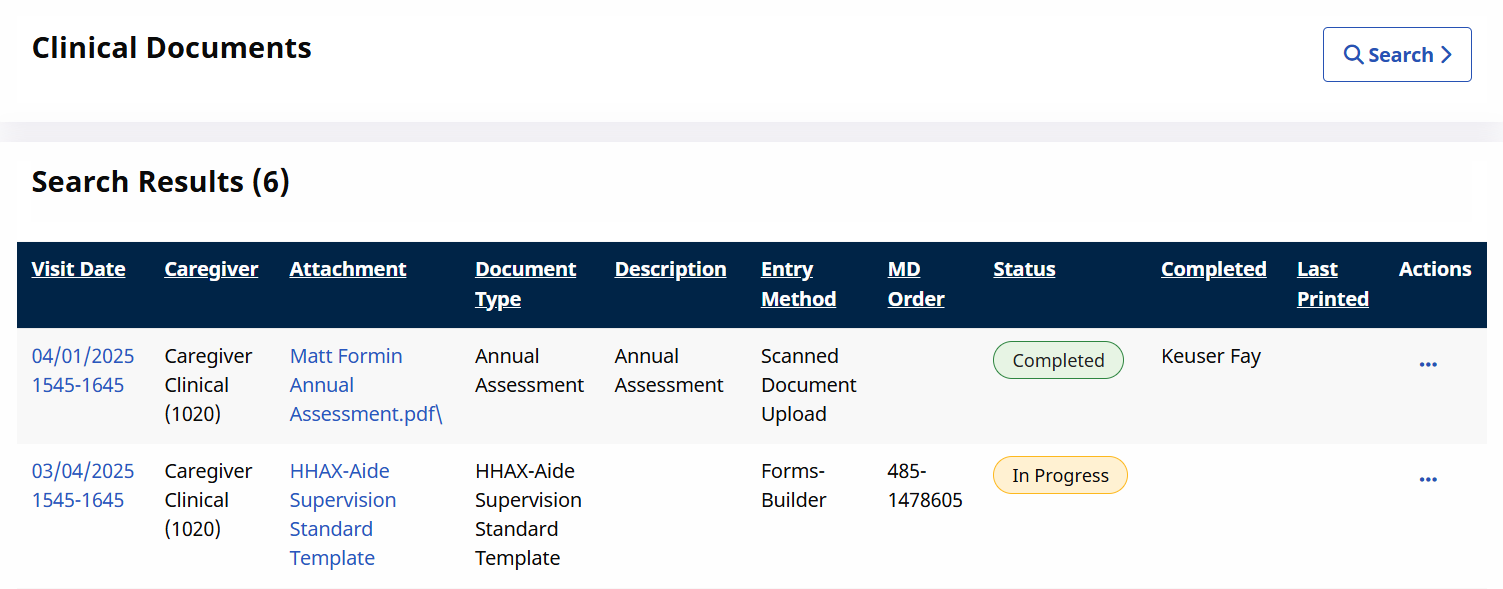
For more information, see View a Patient's Documentation History.